
Case study 01
A unified operations system for the yard
Operations software and a public website for Advanced Equipment Rental, delivered in two months.
Results
~40%
More efficient billing
Verified result
+15%
Revenue in the first month
Verified result
After the software launched
Reported by the client
- The website is generating more leads, and more jobs are being won since the SEO work went live.
The story
The business
A family owned oilfield surface equipment rental company. Equipment goes out to job sites, and every day it is on rent has to be tracked and billed.
Before
Billing was losing revenue with no clear view of where. Tickets, timesheets, equipment status and purchase orders lived on paper and across desks, so work and money moved without consistent tracking.
Why it was built
The company needed one system of record. It was built in two months so the owner could see where money was going: fleet, people, tickets, invoices and purchase orders in one place.
Walk through the system
Five screens from the demo, which uses a sample rental company and demo data. Customer names, locations and financial figures are redacted.
-
Step 1 of 5 · Fleet board
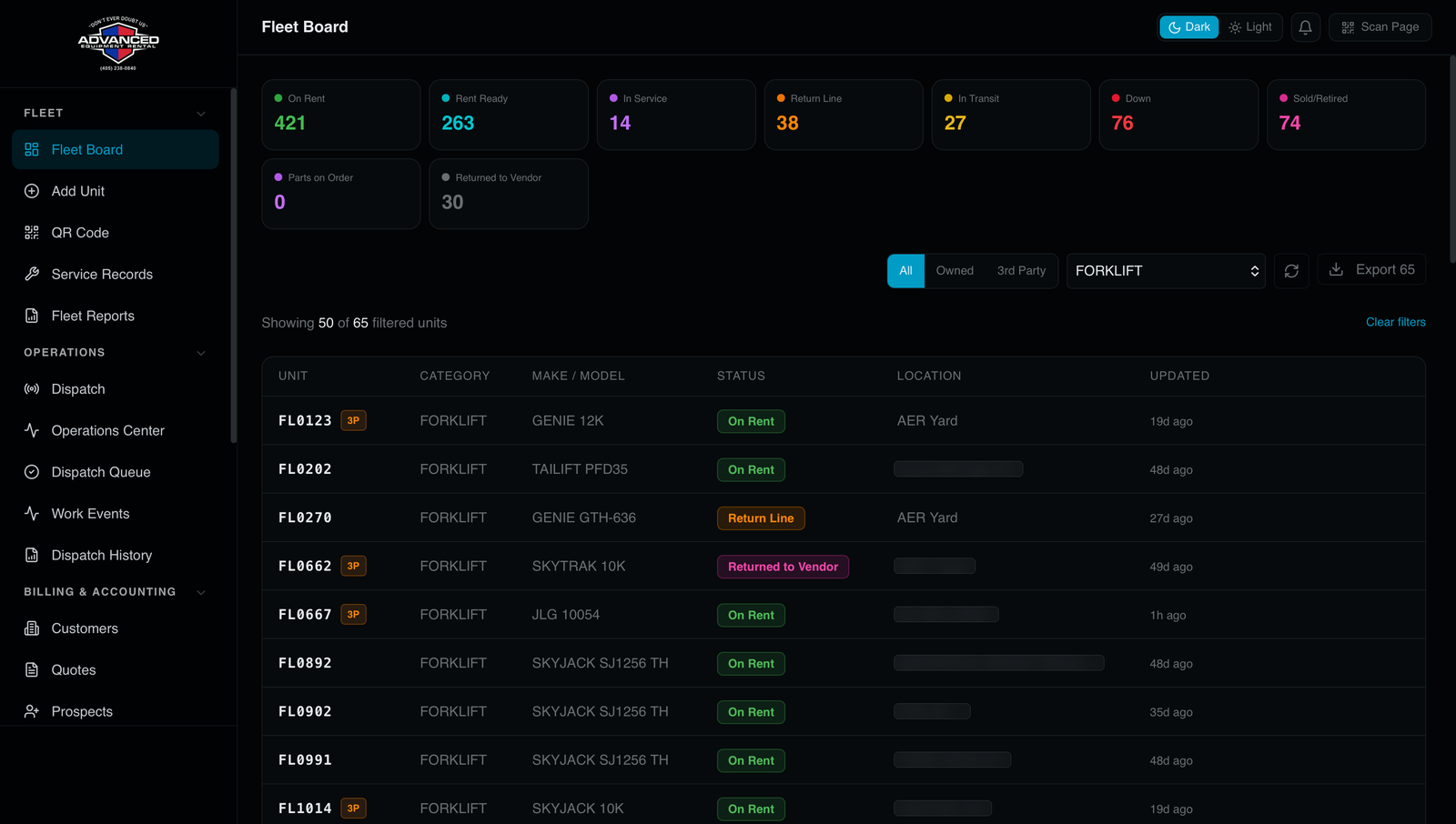
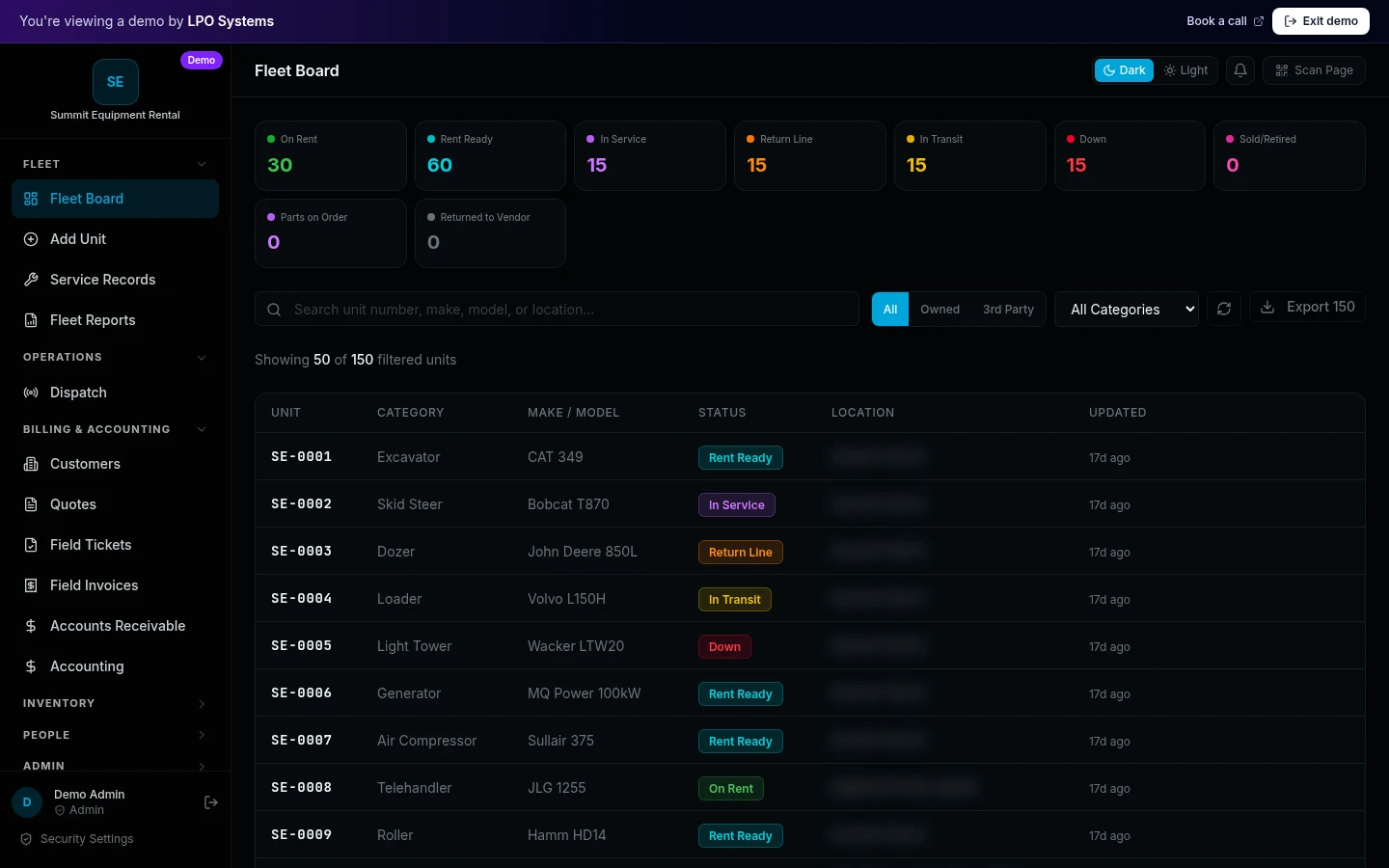
See every unit’s status at a glance
What you are looking at. Counts across the top show units on rent, rent ready, in service, on the return line, in transit and down. The list below can be searched and filtered by owned or third party equipment.
Why it matters. The office can answer what is available without calling the yard.
-
Step 2 of 5 · Dispatch
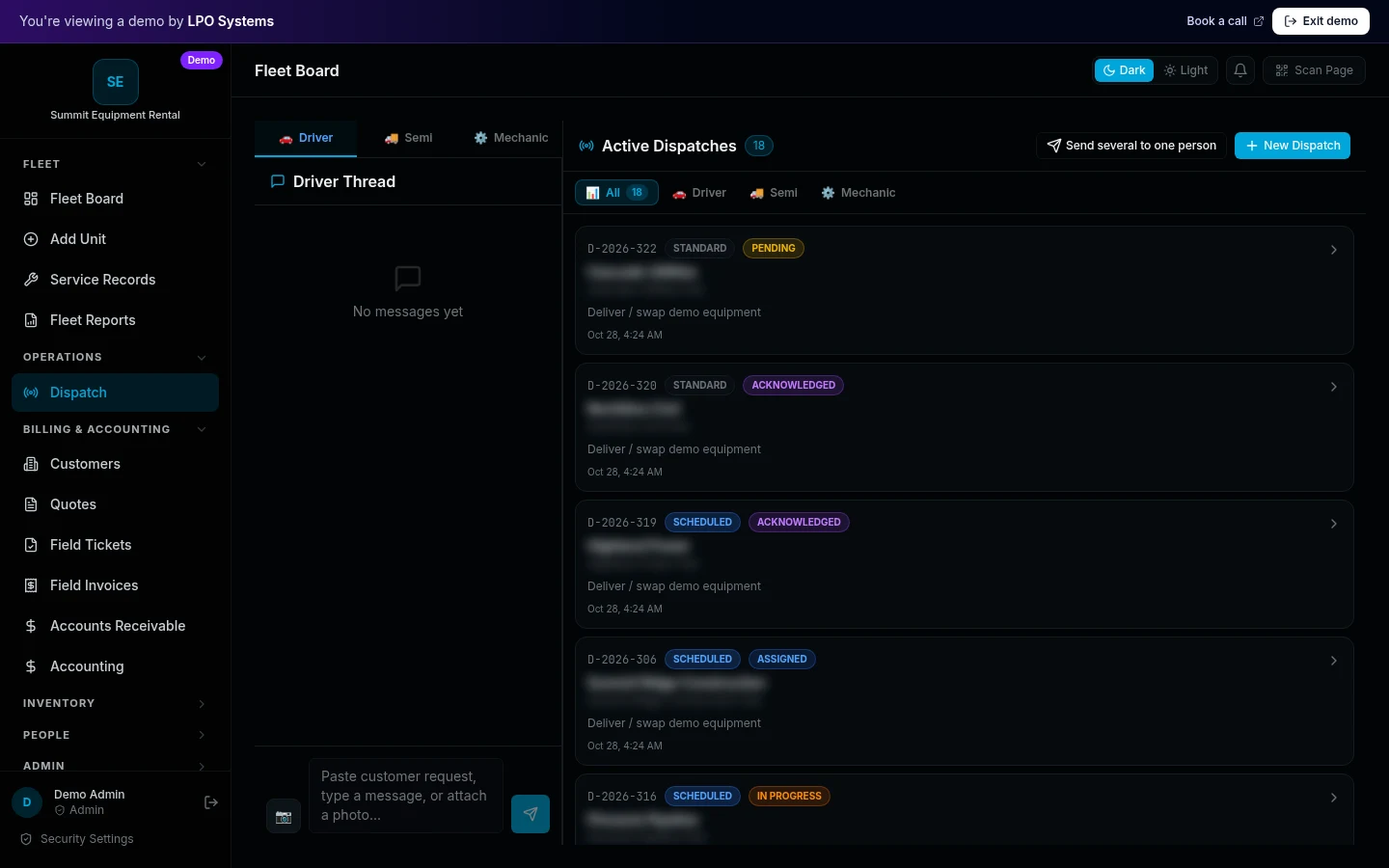
Every delivery and swap in one queue
What you are looking at. Each dispatch shows its status from pending through acknowledged, scheduled, assigned and in progress, with separate threads for drivers, semis and mechanics.
Why it matters. Dispatch stops living in text messages, and everyone sees the same status.
-
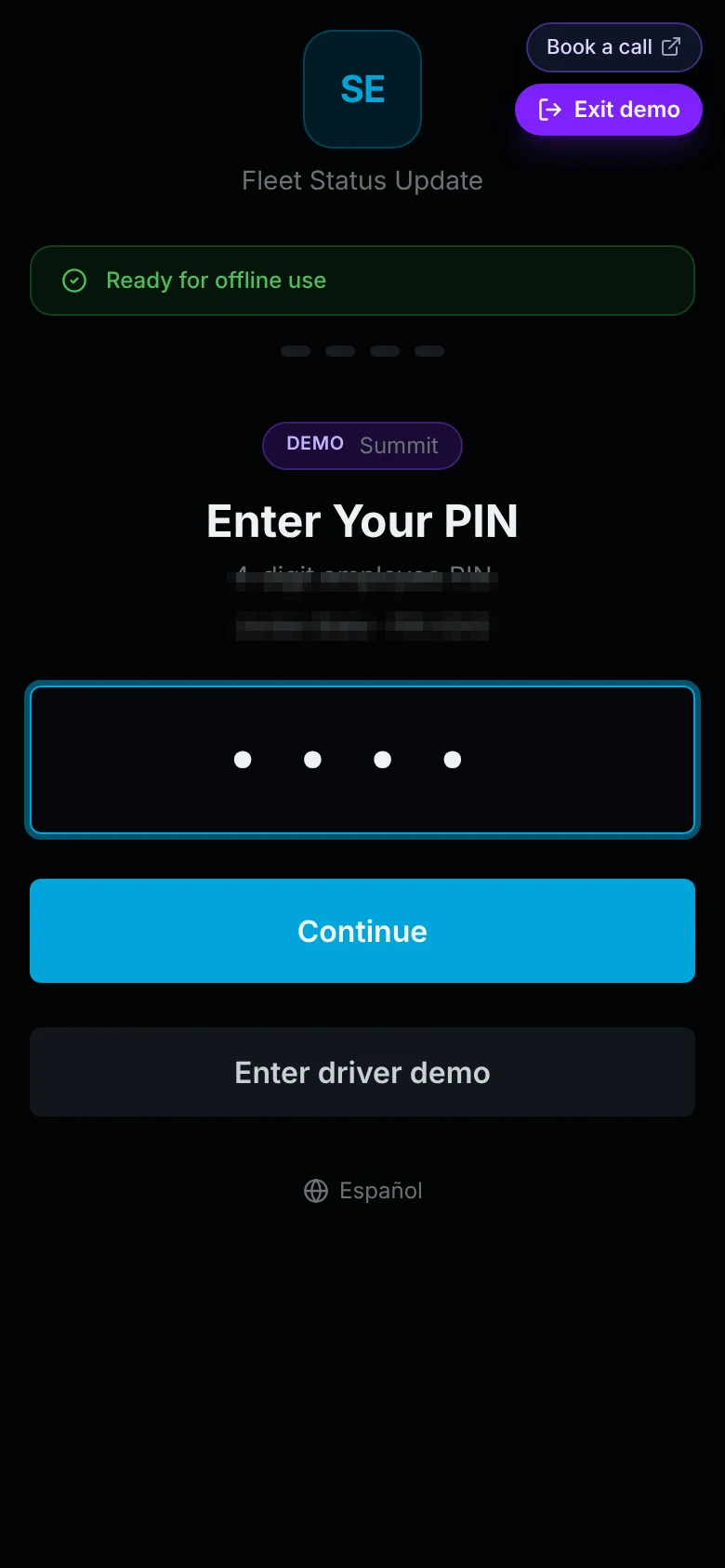
Step 3 of 5 · Driver app
Built for the field, works offline
What you are looking at. Drivers sign in with a four digit PIN, clock in and out, and scan equipment from a phone. The app is ready to work without a signal.
Why it matters. Field updates happen where the work happens, not hours later at a desk.
-
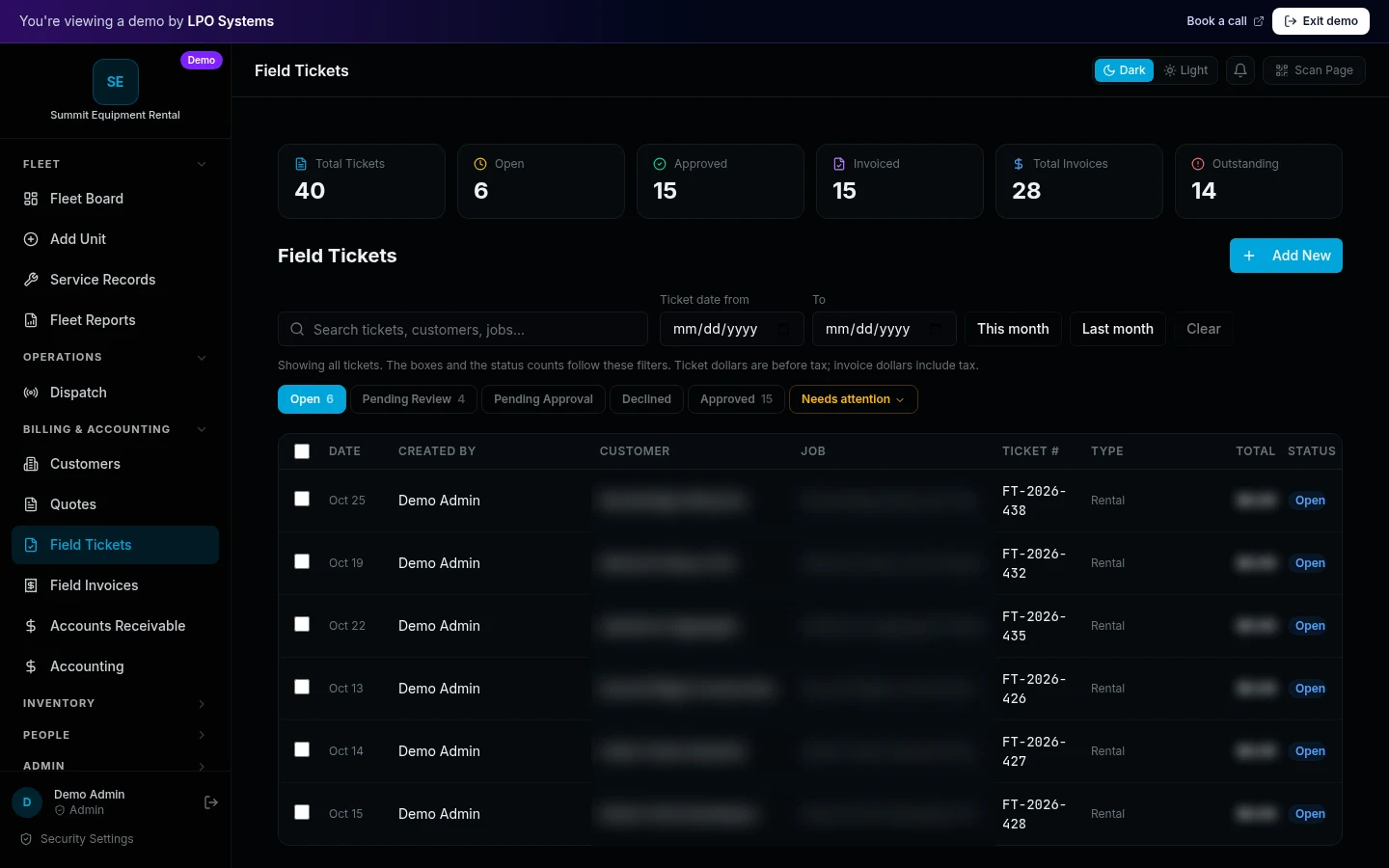
Step 4 of 5 · Field tickets
Tickets that do not wait on paper
What you are looking at. Electronic field tickets with counts for open, approved and invoiced, plus filters for pending review, pending approval, declined and needs attention.
Why it matters. Approved tickets move straight toward invoicing instead of sitting in a stack.
-
Step 5 of 5 · Accounts receivable
Who owes what, and for how long
What you are looking at. Open balances by age: current, 1 to 30, 31 to 60, 61 to 90 and over 90 days, with recent payments and average days to pay.
Why it matters. The owner sees collections without building a spreadsheet.
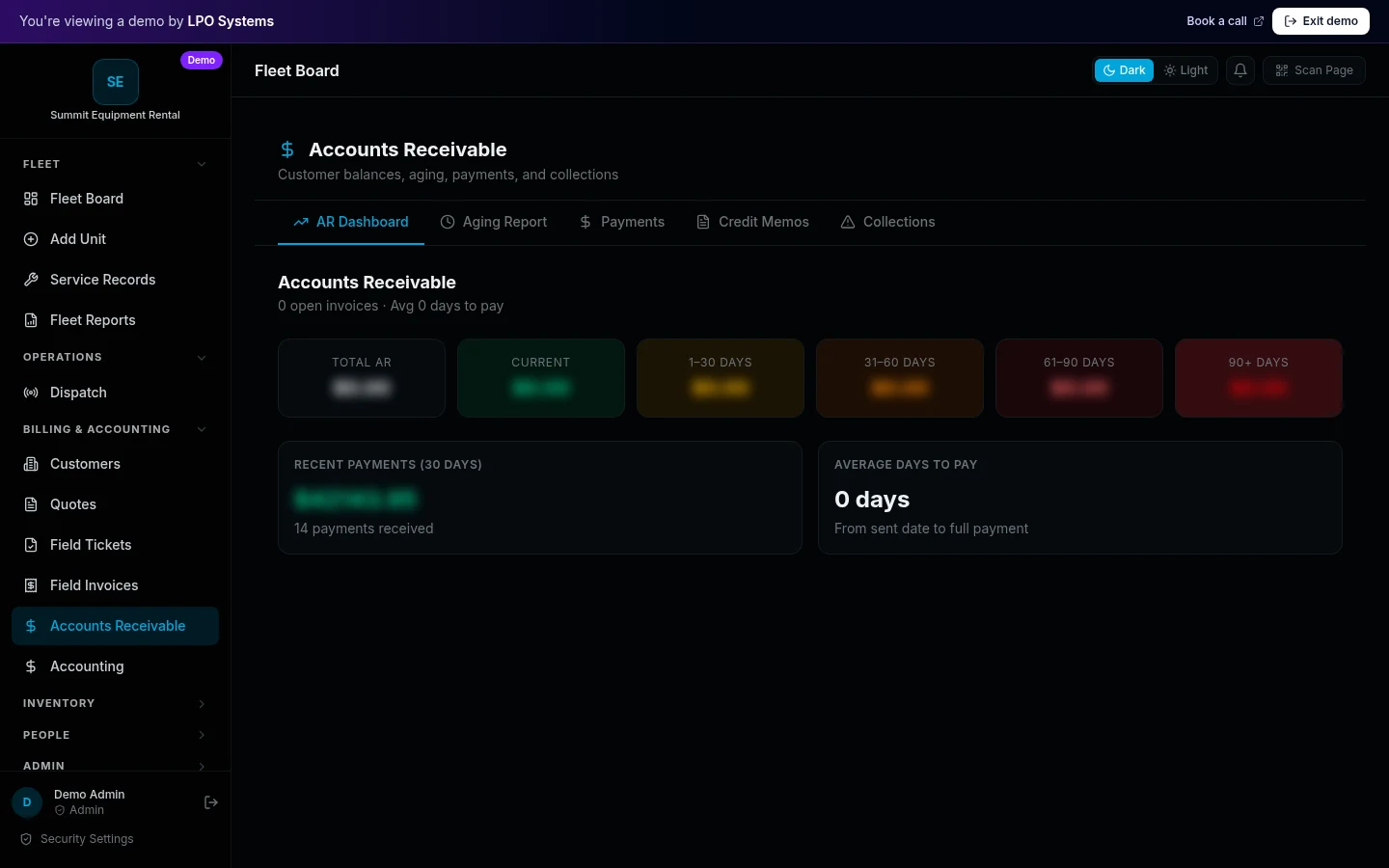
The demo runs on a sample company with demo data. Nothing in it belongs to a real customer.
Everything in the system Working feature
Operations software
Everything the yard, the drivers and the office use, in one system.
- Fleet board: what is on rent and where it is
- Parts room inventory
- Dispatching
- Driver app: clock in and out, scan equipment, works offline
- Time and timesheets
- Electronic field tickets
- Electronic invoices
- Purchase orders
- Accounting: receivables, tax codes and GL codes
- Fuel usage tracking
- Multi user support
Website
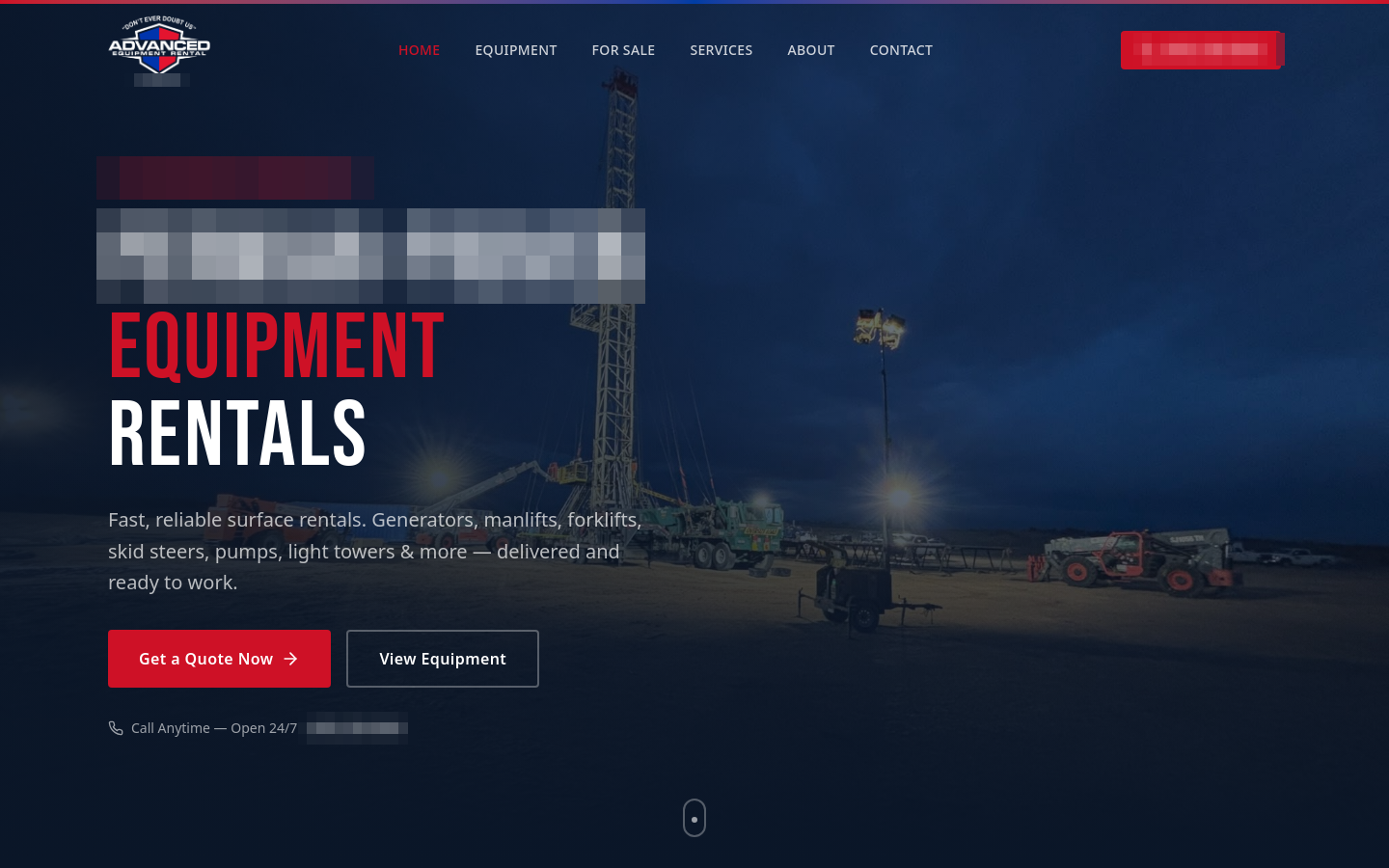
A new public site at advequiprental.com . A family owned oilfield surface rental company’s public site, built with SEO so the right jobs can find it, plus online job applications and credit applications.
- SEO built in from the start
- Online job applications
- Online credit applications
Automations Working feature
Two handoffs the system does on its own.
- Approved tickets become invoicesWhen a field ticket is approved, it moves toward invoicing without being retyped.
- Scans update the fleet boardWhen a driver scans a unit in the field, its status changes on the fleet board.
Where the same approach fits
Any business that sends equipment, trucks or crews to job sites and bills from tickets: rental yards, hauling, field services and contractors.
“The system is the heart of the company, and our efficiency has never been better.”
Work with LPO
A consultation call is the first step. Bring the problem.